
How to Access Your Member Account on the Go
Just like your favorite network concierge, your account details are always available—at home, on the course, or at the office.
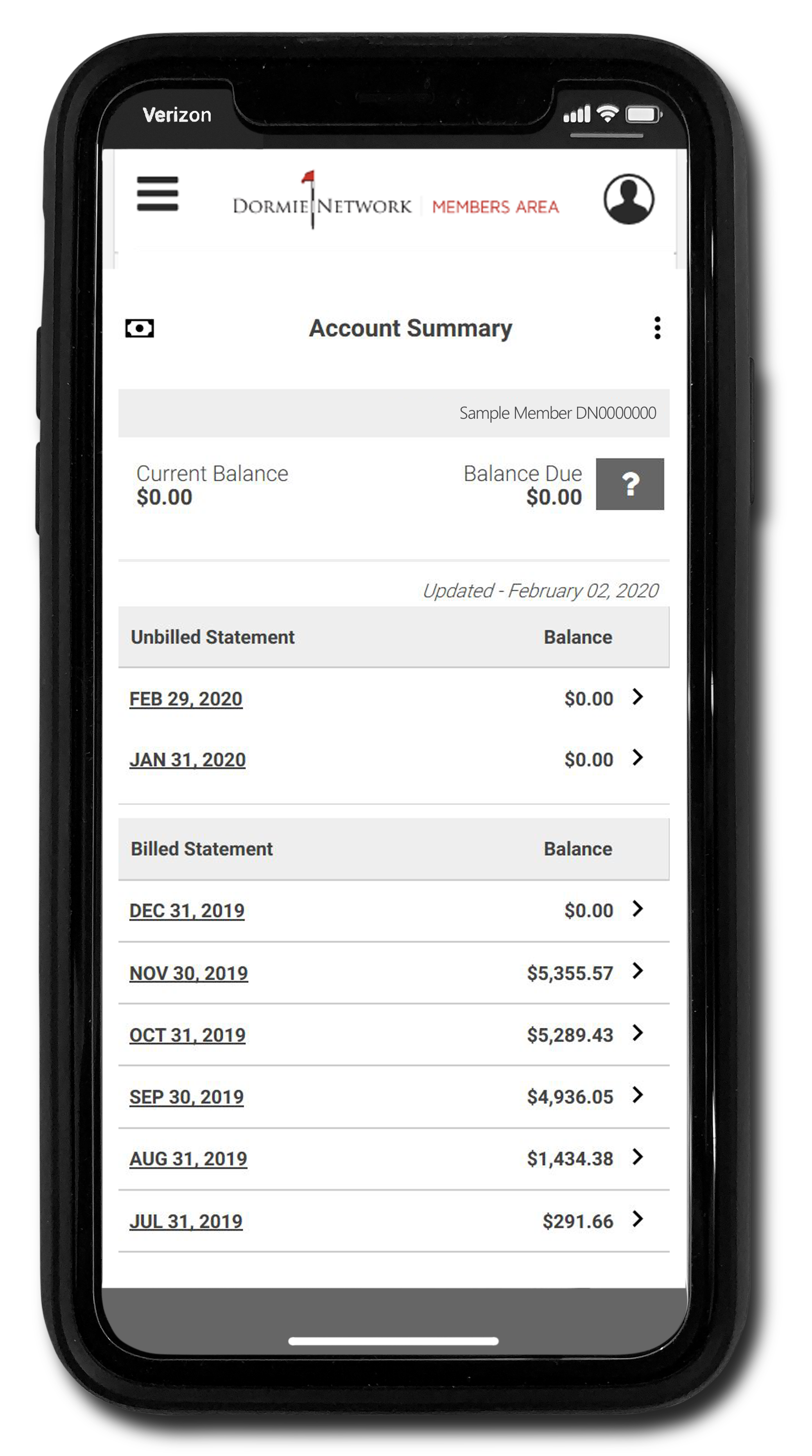

Visit members.dormienetwork.com to:
Access real-time chits and statement history
Export event registrations and tee time bookings to your calendar
View cottage availability by type and club
Get first access to club-level updates and network-wide promotions
See the cultivation and seasonal closure calendar
Contact club staff
Get access to the online store
Always have the most recent Rules and Regulations and other membership documents
Save as an App for Even Easier Access
Navigate to members.dormienetwork.com on mobile then:
iPhone: Click the button on the bottom of the browser that has an arrow coming out of a square, scroll to Add to Home Screen, rename the shortcut as you wish, and click Add.
Android: Click the three dots in the top-right corner, then click Add to Home Screen.
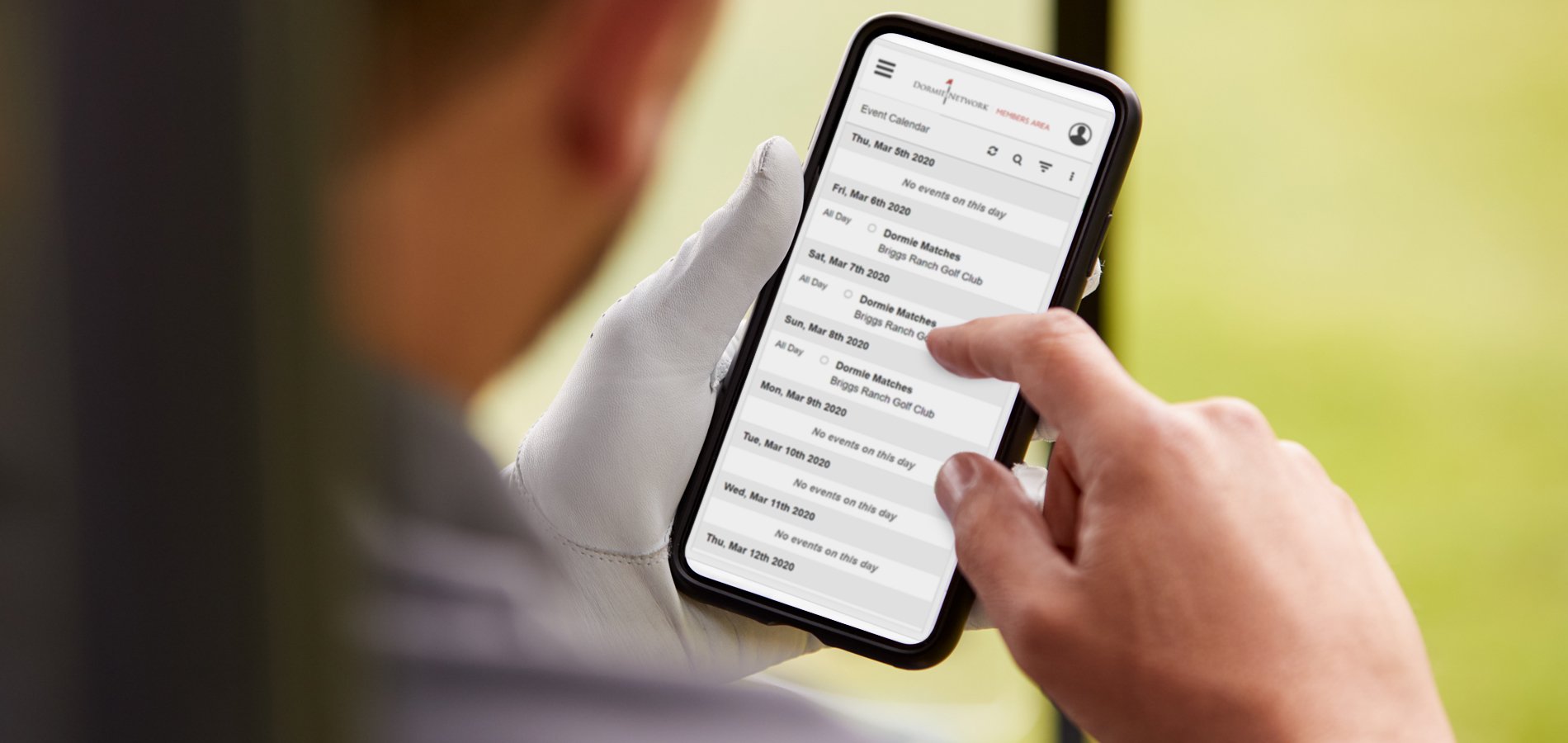
Haven’t registered your account yet? To do so, you’ll need your member number as it appears on your most recent paper statement and to create a new password for your account.
Not yet a Dormie Network member? Request an invitation to join.